Super Admin Dashboard
Welcome to the Comet GTM administration guide. As a Super Admin, you have full control over the platform, accounts, users, and system settings.
Super Admin Access Required
The features in this guide are only available to users with the Super Admin role. Contact your system administrator if you need elevated access.
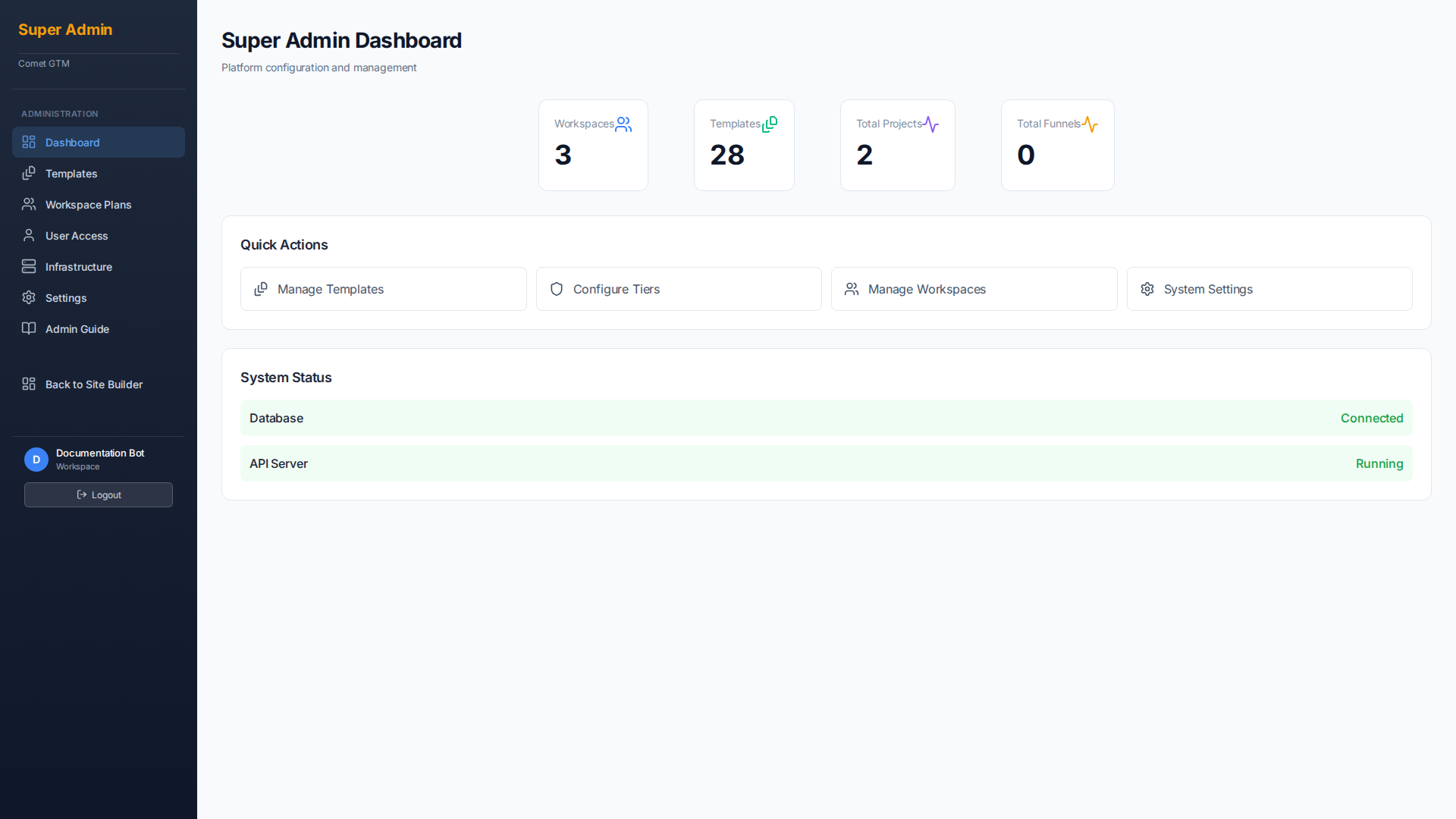
The Admin Dashboard provides key metrics and quick access to admin functions
Key Administration Areas
User Management
Invite users, manage roles, configure 2FA, and monitor login activity.
Accounts & Workspaces
Create and manage customer accounts, configure entitlements, and assign plans.
Template Management
Create, import, and manage templates available to users.
Security Settings
Configure 2FA policies, session management, and access controls.
Account-Centric Architecture
Comet GTM uses an account-centric model for managing customers:
- Accounts - Customer records that own subscriptions, users, and content
- Workspaces - Hidden technical containers for storing content
- Entitlement Profiles - Define features and limits per subscription tier
- Business Profiles - Company information that auto-populates across sites
Key Insight
Accounts are what customers see and interact with. Workspaces are internal technical containers. Content is linked to workspaces, preserving visibility across plan changes.
User Roles
Comet GTM uses role-based access control (RBAC) to manage permissions:
| Role | Description | Access Level |
|---|---|---|
| Super Admin | Full platform access including all admin functions | Everything |
| Admin | Account-level admin with user management capabilities | Account + Users |
| User | Standard user who can create and manage their own projects | Own Projects |
Security Features
Comet GTM includes enterprise-grade security features:
- Two-Factor Authentication (2FA) - Email verification and TOTP for secure login
- Session Management - Opaque session tokens with automatic expiration
- Login Attempt Monitoring - Track and alert on suspicious login activity
- Account Lockout - Automatic lockout after failed login attempts
- Invitation-Based Onboarding - Users can only join via admin invitation
- Branded Emails - Enterprise/Agency plans get custom email branding
Five-Tier Pricing
The platform supports five subscription tiers:
- Free - Limited trial with basic features
- Standard - Small business essentials
- Pro - Growing teams with custom domains
- Enterprise - Large organizations with API access
- Agency - White-label solution for agencies managing client accounts
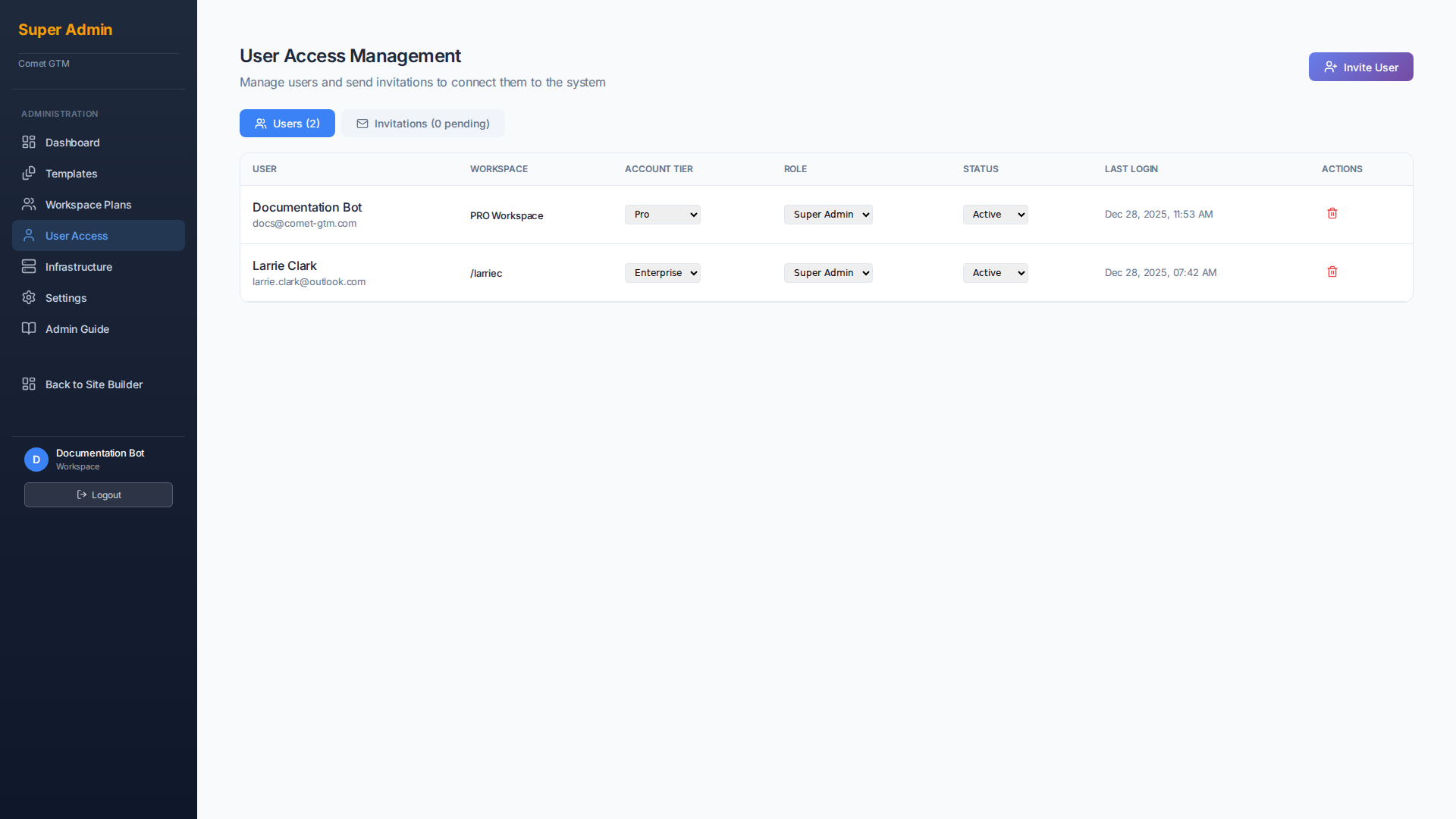
Manage users, invitations, and access controls from the User Access panel