Plans & Entitlements
Configure subscription plans and manage entitlement profiles that define what features and limits are available to each account tier.
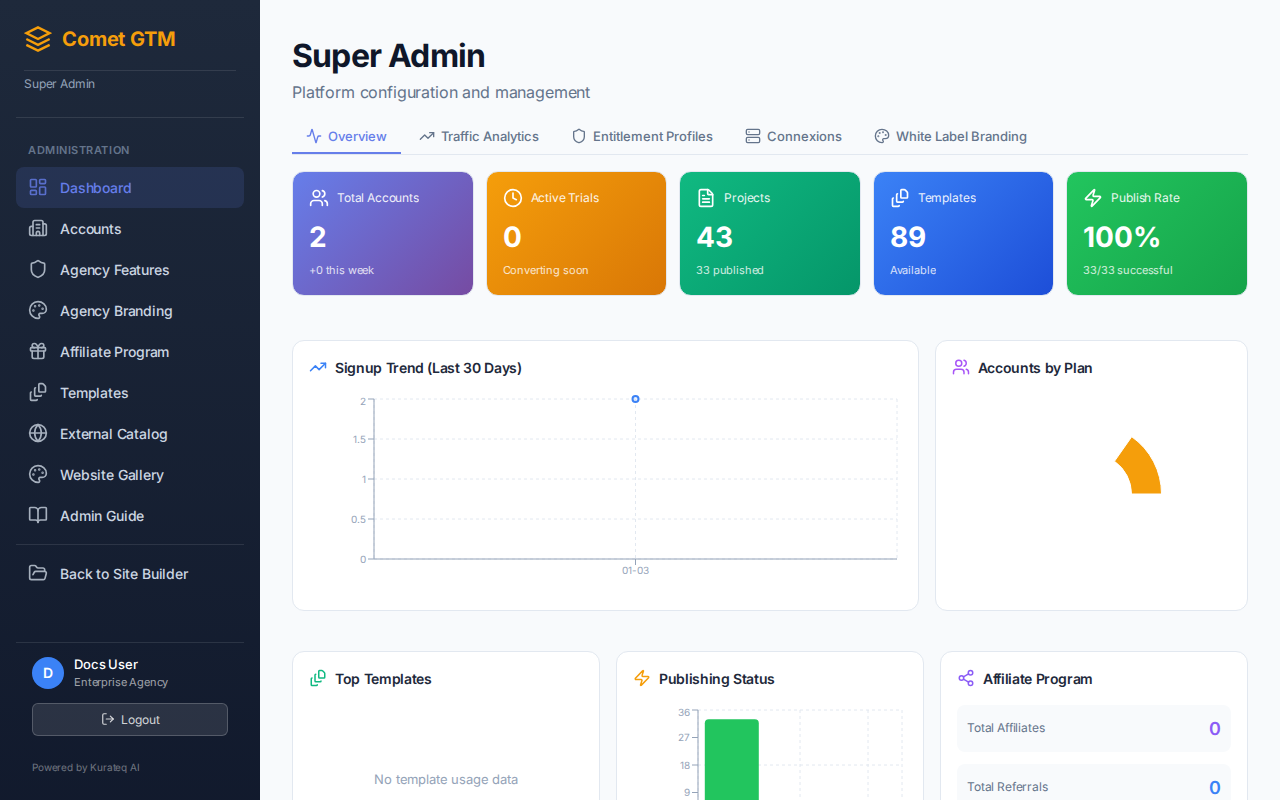
Five-Tier Pricing Structure
Comet GTM offers five subscription tiers to accommodate different business needs:
| Feature | Free | Standard | Pro | Enterprise | Agency |
|---|---|---|---|---|---|
| Websites | 1 | 3 | 10 | 50 | Unlimited |
| Funnels | 1 | 3 | 10 | 50 | Unlimited |
| Landing Pages | 2 | 5 | 20 | 100 | Unlimited |
| AI Credits (monthly) | 10 | 100 | 500 | 2,000 | 10,000 |
| Custom Domains | No | No | Yes | Yes | Yes |
| Team Members | 1 | 1 | 5 | 25 | Unlimited |
| Priority Support | No | No | Yes | Yes | Yes |
| White-Label Branding | No | No | No | No | Yes |
| API Access | No | No | No | Yes | Yes |
| Sub-Accounts | No | No | No | No | Yes |
Entitlement Profiles
Entitlement profiles define the features and limits for each subscription tier. These profiles are linked to accounts, not individual users.
How Entitlements Work
- Account-Based - Entitlements are assigned to accounts, not users
- Stackable - Team members can bring additional entitlements to an account
- Preserved on Changes - Content is preserved when accounts change plans
- Flexible Billing - Support for monthly, annual, and custom billing cycles
Assigning Plans to Accounts
Navigate to Workspace Plans
Go to the Admin Dashboard and select "Workspace Plans" from the sidebar.
Find the Account
Use the search or filter options to find the account you want to modify.
Edit Plan Settings
Click the "Edit" button and select the desired plan tier from the dropdown.
Save Changes
Click "Save" to apply the new plan. Changes take effect immediately.
AI Credits
AI credits are used for content generation features and reset monthly:
| Action | Credits Used |
|---|---|
| Generate Page Content | 5-10 credits |
| Rewrite Text Block | 1-3 credits |
| Generate SEO Metadata | 2 credits |
| Import Website Structure | 10-20 credits |
| AI Image Suggestions | 1 credit |
Custom Entitlements
Enterprise and Agency customers can request custom entitlements:
- Increased Project Limits - Higher caps on websites, funnels, landing pages
- Additional AI Credits - More monthly AI credits for heavy usage
- Custom Storage Quotas - Larger file storage allowances
- Custom Billing - Custom invoicing, payment terms, and rates
- White-Label Options - Custom branding for Agency accounts
Subscription Billing
The billing system supports flexible payment options:
- Billing Cycles - Monthly or annual billing
- Payment Methods - Credit card, invoice, bank transfer
- Custom Terms - Net 7, Net 14, Net 30 for invoiced accounts
- Currency Support - AUD, USD, EUR, GBP, and more